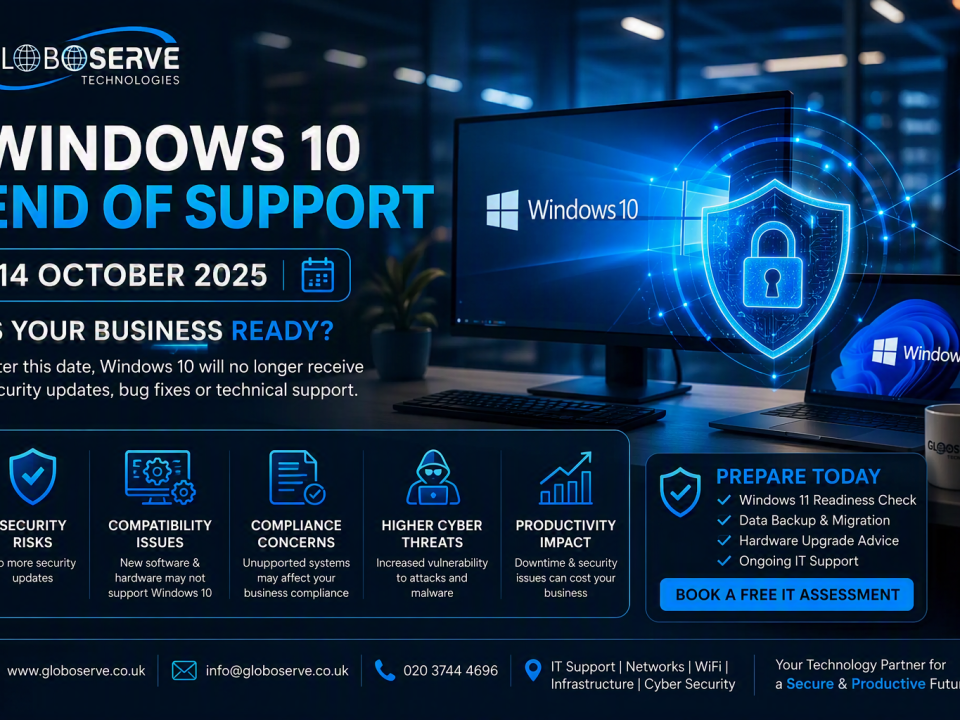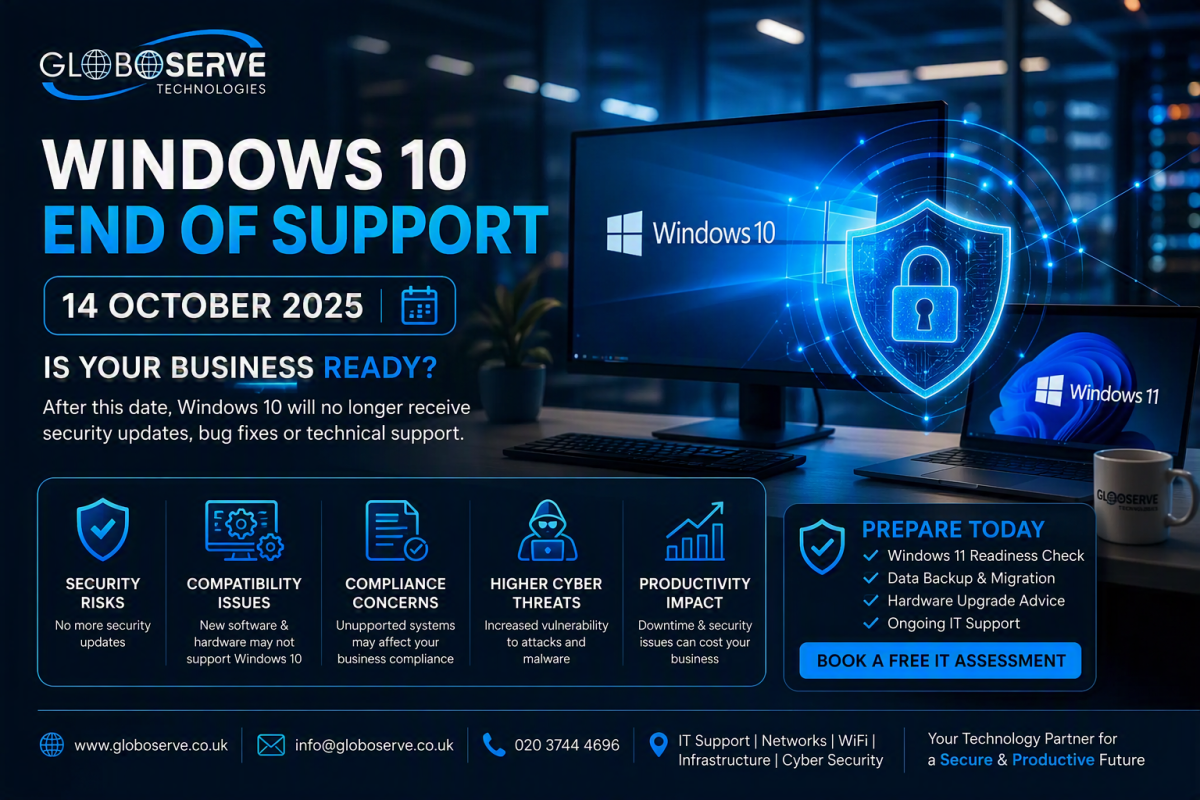
WINDOWS 10 END OF SUPPORT
August 13, 2026
How to Configure Scan to Email with Microsoft 365 (2026 Guide)
August 14, 2026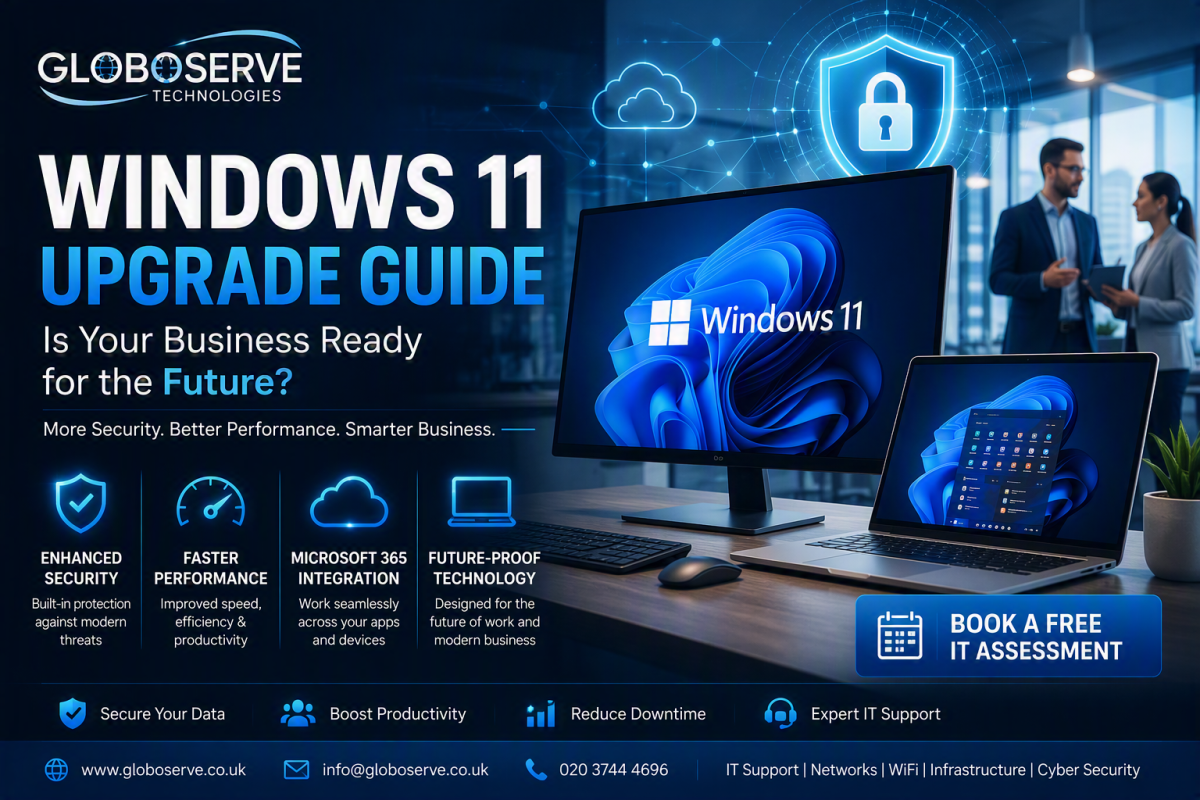
Windows 11 Upgrade Guide for Small Businesses
Still using Windows 10? Learn why businesses are moving to Windows 11, how to prepare your devices, avoid security risks, and modernise your workplace technology for the future.
Why Businesses Should Upgrade to Windows 11
Technology continues to evolve, and so do cyber threats. Windows 11 was designed with modern business requirements in mind, providing stronger security, improved productivity, and a better user experience compared to previous Windows platforms.
As Microsoft focuses future development on Windows 11, businesses that upgrade early can benefit from better protection, modern hardware support, faster performance, and improved compatibility with Microsoft 365 cloud services.
Top Benefits of Windows 11
🔒 Enhanced Security
Built-in security protections help reduce ransomware, malware and phishing risks.
☁ Better Microsoft 365 Integration
Seamless collaboration with Teams, Outlook, OneDrive and SharePoint.
⚡ Faster Performance
Improved memory management and system efficiency offer better performance.
💻 Improved User Experience
Cleaner interface, enhanced multitasking and modern workflows.
🔄 Future Compatibility
Support for modern hardware and future business applications.
📈 Business Productivity
Tools designed to help teams work smarter both in the office and remotely.
Is Your Current PC Ready for Windows 11?
Before upgrading, businesses should evaluate whether existing hardware meets Windows 11 requirements.
- Compatible Processor
- TPM 2.0 Enabled
- Minimum 4GB RAM
- 64GB Storage
- Secure Boot Capability
- Updated BIOS/Firmware
Common Upgrade Challenges
Legacy Software
Some older applications may require testing before migration.
Outdated Hardware
Older devices may not meet Microsoft's requirements.
Data Migration
Files, emails and user settings must be protected.
Business Downtime
Planning reduces disruptions during upgrades.
Why Professional Upgrade Planning Matters
A successful Windows 11 migration involves much more than simply pressing an upgrade button. Device assessments, network readiness, backups, application testing and deployment planning all play an important role in ensuring a smooth transition.
Businesses that plan ahead can avoid costly downtime, security issues and compatibility problems.
Upgrade to Windows 11 with Confidence
Globoserve helps businesses assess, plan and deploy Windows 11 with minimal disruption and maximum security.
Contact Globoserve TodayFrequently Asked Questions
Can I upgrade from Windows 10 to Windows 11 for free?
Many eligible Windows 10 devices can upgrade free of charge.
What happens if my device is not compatible?
Replacement hardware or alternative upgrade strategies may be required.
How long does a Windows 11 upgrade take?
Most devices can be upgraded within a few hours depending on hardware and applications.
Will my files be affected?
Not normally, but complete backups should always be performed before upgrades.