
Windows 11 Upgrade Guide for Small Businesses
August 14, 2026
How Geopolitical Conflicts Increase Cybersecurity Risks for Small Businesses in 2026
August 24, 2026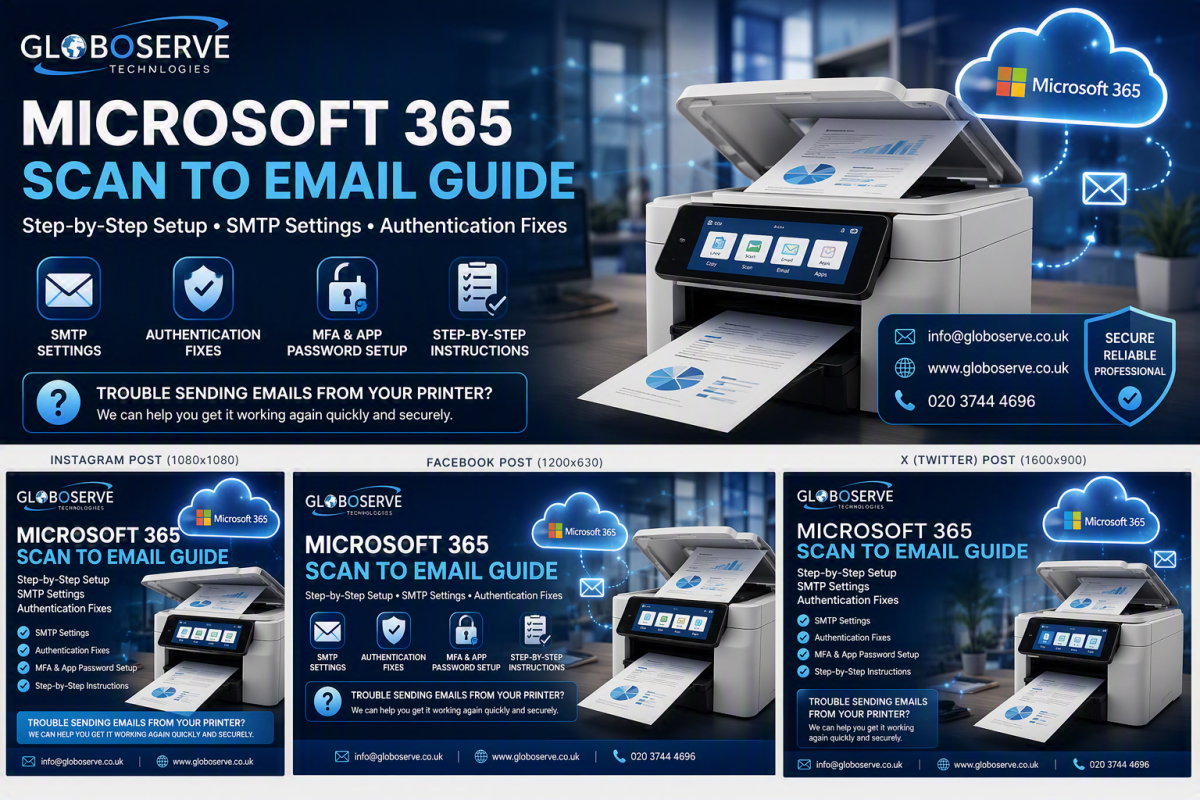
How to Configure Scan to Email with Microsoft 365
Having trouble getting your office printer or scanner to send emails? This simple guide explains the correct Microsoft 365 SMTP settings and how to get Scan to Email working quickly.
Book IT SupportWhy Scan to Email Stops Working
Many printers and multifunction devices were configured years ago using older authentication methods. After Microsoft introduced stronger security and Multi-Factor Authentication (MFA), many devices stopped sending emails successfully.
The most common symptoms include:
535 Authentication Failed
Email authentication rejected.
SMTP Not Responding
Server connection issues.
Emails Stuck in Queue
Messages never leave the printer.
SMTP AUTH Disabled
Microsoft 365 security blocks login.
Microsoft 365 SMTP Settings
Step-by-Step Setup
Common Fixes
- Enable SMTP Authentication.
- Verify Microsoft 365 credentials.
- Regenerate App Password.
- Confirm TLS is selected.
- Use Port 587.
- Update printer firmware.
Need Help Configuring Scan to Email?
Globoserve can remotely configure Microsoft 365 mailboxes, SMTP authentication, MFA settings, printers and scanners.
📧 info@globoserve.co.uk
🌍 www.globoserve.co.uk
Frequently Asked Questions
Does Scan to Email work with Microsoft 365?
Yes, using SMTP AUTH and the correct SMTP settings.
Why does my printer show Authentication Failed?
This is usually caused by incorrect credentials, disabled SMTP AUTH or MFA configuration issues.
Do I need an App Password?
If MFA is enabled and the printer does not support modern authentication, an App Password may be required.