
The Definitive App Password Guide: Simple Steps That Instantly Solve SMTP Issues 2026
March 18, 2026
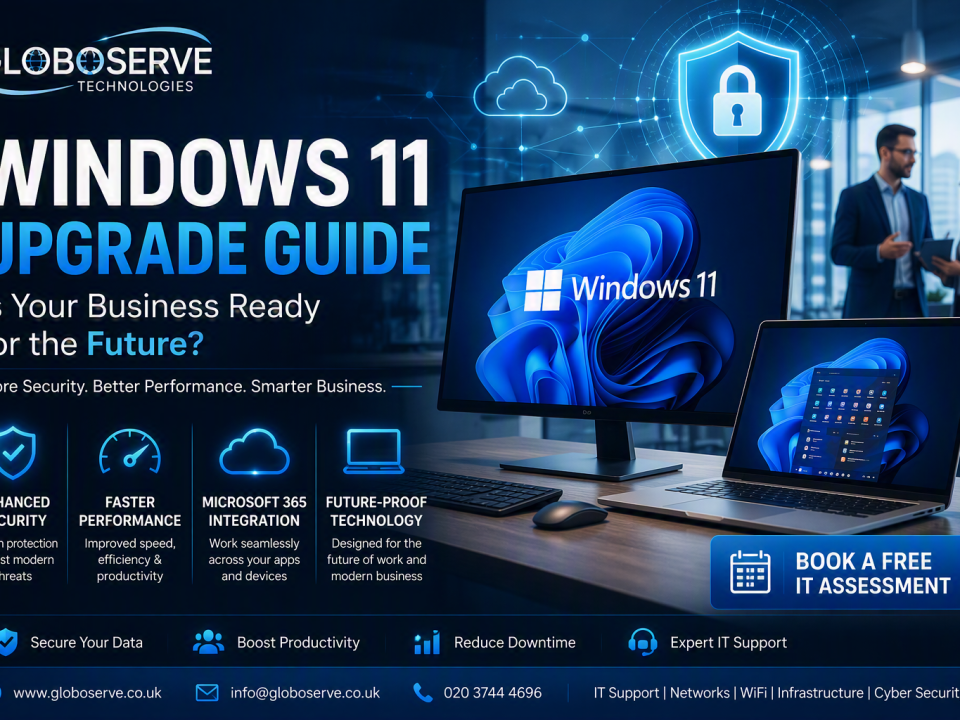
Windows 11 Upgrade Guide for Small Businesses
August 14, 2026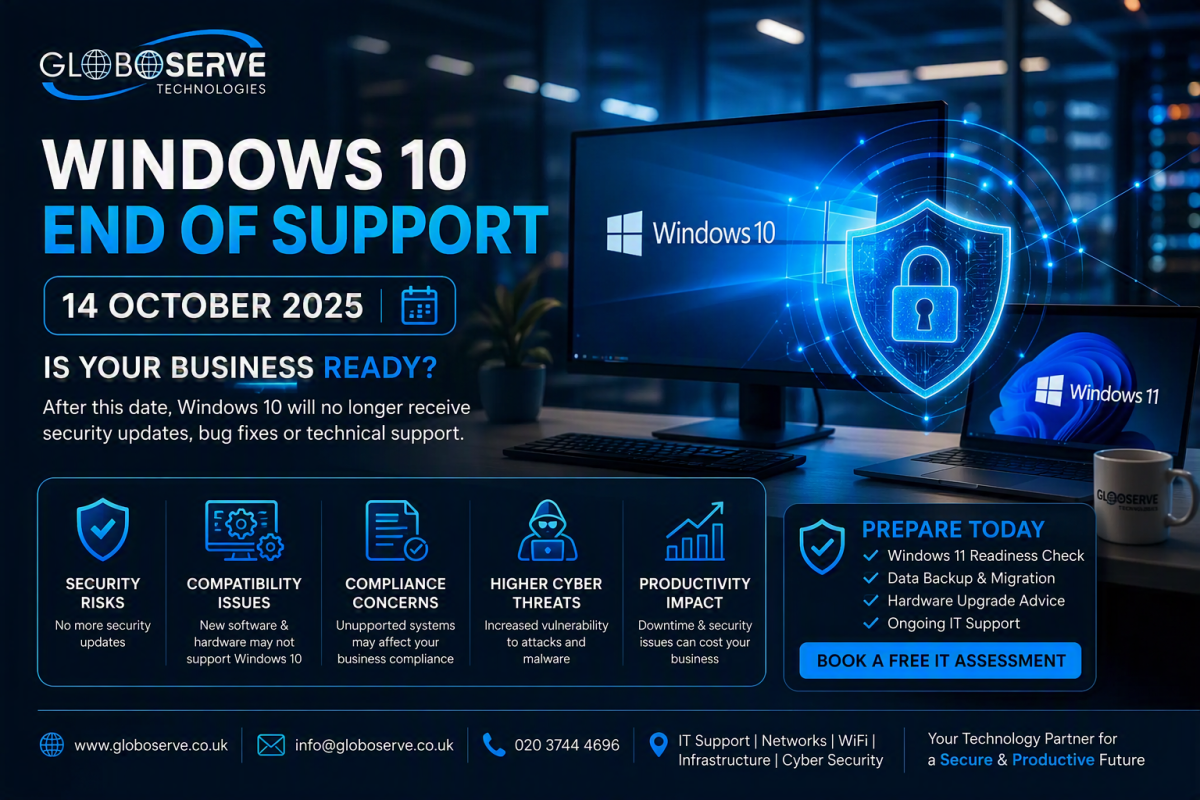
Windows 10 End of Support: What Your Business Needs to Do Before October 2025
Microsoft will officially end support for Windows 10 on 14 October 2025. Businesses that continue using unsupported systems may face growing security risks, compliance concerns, software compatibility issues and increased exposure to cyber threats.
The Countdown Has Begun
Windows 10 has served businesses around the world for nearly a decade. From hotels and guest houses to offices, retail stores and healthcare providers, it remains one of the most widely used operating systems. However, Microsoft has confirmed that Windows 10 support officially ends on 14 October 2025. After this date, devices running Windows 10 will no longer receive regular security updates, bug fixes or standard support services from Microsoft.
Governments and cybersecurity agencies have already begun warning both individual users and organisations about the risks associated with running unsupported operating systems. For businesses, delaying action could result in security vulnerabilities, productivity losses and significantly increased IT risks.
Support Ends
Security Updates Afterwards
Cyber Threat Activity
Need for Upgrade Planning
Why Windows 10 End of Support Matters
Many business owners assume their computers will simply continue working after support ends. Technically that is true. The real concern is that unsupported systems become more attractive targets for cybercriminals. Every newly discovered vulnerability becomes a potential entry point for attackers.
🛡 Security Threats
Without security patches, your PCs become increasingly vulnerable to malware, ransomware, phishing attacks and data breaches.
⚠ Compliance Risks
Many industries require supported software environments. Running unsupported operating systems may create audit and compliance concerns.
🔄 Software Issues
Future applications and services will gradually reduce support for Windows 10, creating compatibility problems.
💸 Increased Costs
Emergency fixes after a cyber incident often cost significantly more than proactive upgrades.
Should You Upgrade to Windows 11?
For most businesses, upgrading to Windows 11 is the recommended path. Windows 11 offers enhanced security, better device management and a longer support lifecycle. It is designed to meet modern cybersecurity requirements and integrates seamlessly with Microsoft 365 services.
Compatibility Assessments
Verify device readiness and identify hardware limitations.
Migration Planning
Develop a structured rollout strategy with minimal disruption.
Data Protection
Ensure backups are completed before upgrades begin.
Deployment Services
Upgrade multiple devices quickly and efficiently.
What If Your Devices Cannot Run Windows 11?
Option 1: Replace Older Devices
Replacing aging hardware delivers better performance, improved productivity and stronger security protections.
Option 2: Extended Security Updates
Microsoft provides Extended Security Updates for organisations that need additional migration time. This should be viewed as a temporary measure, not a long-term strategy.
Option 3: Explore Alternatives
Certain workloads may be suitable for Linux or cloud-based platforms, although careful planning is required before making the transition.
Is Your Business Ready?
- Inventory all computers and laptops.
- Identify Windows 10 devices.
- Check Windows 11 compatibility.
- Create a backup strategy.
- Review business-critical applications.
- Plan hardware refresh requirements.
- Schedule upgrades before October 2025.
How Globoserve Can Help
At Globoserve, we help businesses transition safely and efficiently from Windows 10 to Windows 11. Whether you operate a hotel, retail store, medical practice, small office or multi-site business, we can assess your infrastructure and provide a tailored migration strategy.
Device Audits
Identify upgrade and replacement requirements.
Windows 11 Readiness
Assess compatibility across your environment.
Cloud & Backups
Protect critical business data before migration.
Ongoing IT Support
Monitoring, patching and management services.
Frequently Asked Questions
Will Windows 10 stop working after October 2025?
No. Windows 10 devices will continue to operate, but they will no longer
receive regular security updates or technical support.
Don't wait until unsupported systems become a security risk. Let
Globoserve assess your devices, plan your migration and keep your
business secure.
Prepare for Windows 10 End of Support Today
🌐 www.globoserve.co.uk