

Windows Autopilot Hardware Hash (Hardware ID)
January 7, 2026
🛡️ Microsoft Word 0‑Day Vulnerability Actively Exploited in the Wild
February 12, 2026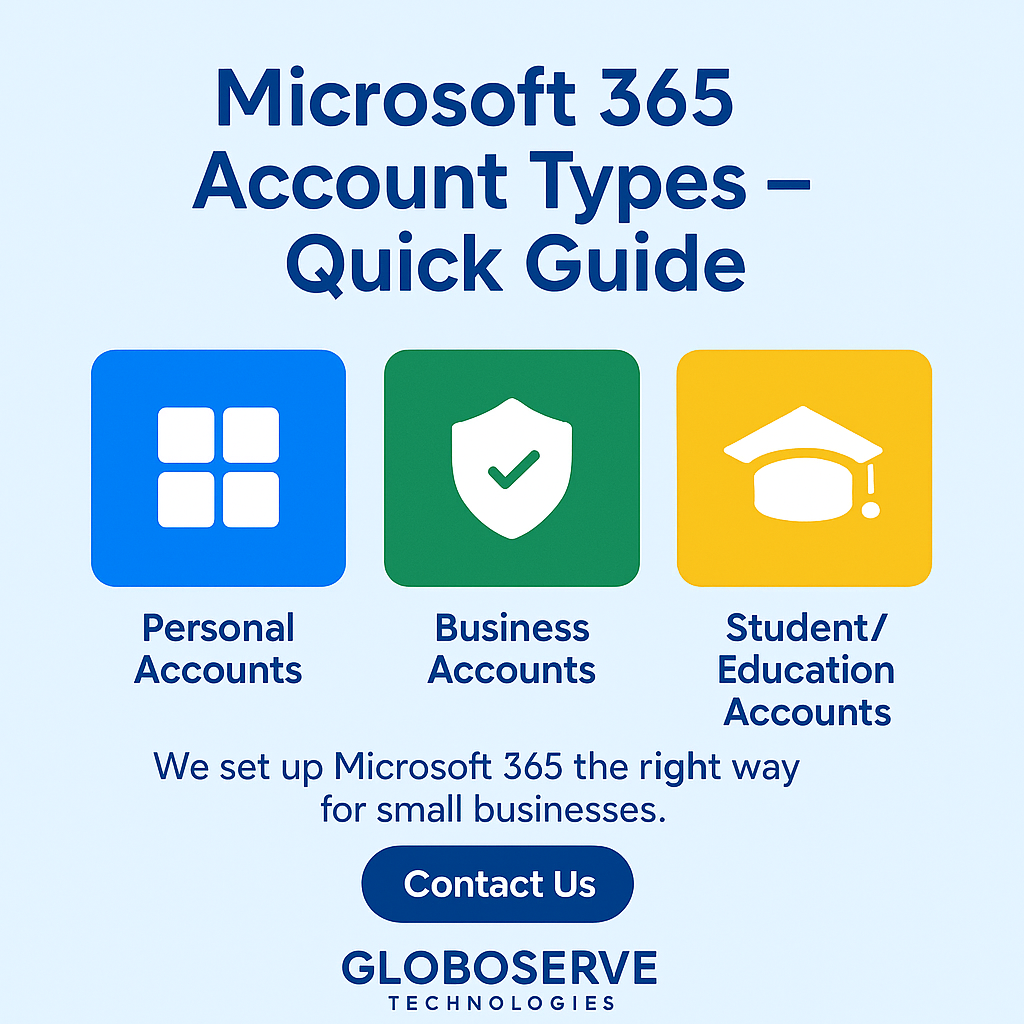
Microsoft 365 Account Types – Quick Guide
Picking the right Microsoft 365 account helps you get secure email, Teams, OneDrive, and Office apps with the right controls. Here’s a simple breakdown.
Personal Accounts
Best for individuals. Uses Microsoft personal IDs like @outlook.com, @hotmail.com, @live.com.
Work / Business Accounts
Managed by your company using Microsoft Entra ID (Azure AD). Usually your domain: @yourcompany.com. Admin policies & security apply.
School / Education Accounts
Provided by your school/college. Access to Teams, OneDrive and apps under an @edu or institutional domain.
Which should I use?
If it’s for business, always use a **Work** account for proper security, device control, and data ownership. Keep **Personal** accounts for private use.
Common mix-ups
Using a personal account for company work causes access, sharing, and backup issues later. Separate them from day one.
How Globoserve Technologies Can Help
We set up Microsoft 365 the right way for small businesses — simple, secure, and supported.
- Microsoft 365 tenant setup & migration from Gmail/IMAP
- Business email & custom domain configuration (Exchange Online)
- Security baselines, MFA, Conditional Access & backup
- Teams & SharePoint built for collaboration and file governance
- Device management (Intune) & ongoing support
FAQ
Can I convert a personal Microsoft account into a business account?
No. You must create a new Microsoft 365 Business tenant and migrate email and data across.
What is the difference between a Microsoft Account and a Work Account?
Personal Microsoft Accounts are for individual use (@outlook.com), while Work Accounts are issued and managed by businesses using Microsoft Entra ID (Azure AD).
Can staff log in with their personal account to access company data?
They should not. Personal accounts cannot be managed, audited, or secured by your organisation, risking data loss and compliance issues.
Is Microsoft 365 Business email more secure?
Yes. It includes MFA, Conditional Access, spam protection, threat scanning, and secure OneDrive/SharePoint storage.
What happens to company data when an employee leaves?
You can reset the Work Account password, transfer all email and files, and reassign the license.
Do I need a domain name to use Microsoft 365 Business?
Yes. You can use your business domain (e.g., @globoserve.co.uk) for professional email and Teams login.
Can Microsoft 365 Business be used on multiple devices?
Yes. Each user can install Office apps on up to 5 computers, 5 tablets, and 5 phones.
Does Microsoft 365 include backups?
Basic retention exists, but it is not a complete backup. A dedicated M365 backup is recommended.
Can I migrate my Gmail or Yahoo business email to Microsoft 365?
Yes. Globoserve can migrate your entire inbox with zero downtime.
Is Microsoft Teams included in all business plans?
Yes, Teams is included in Business Basic, Standard, and Premium.