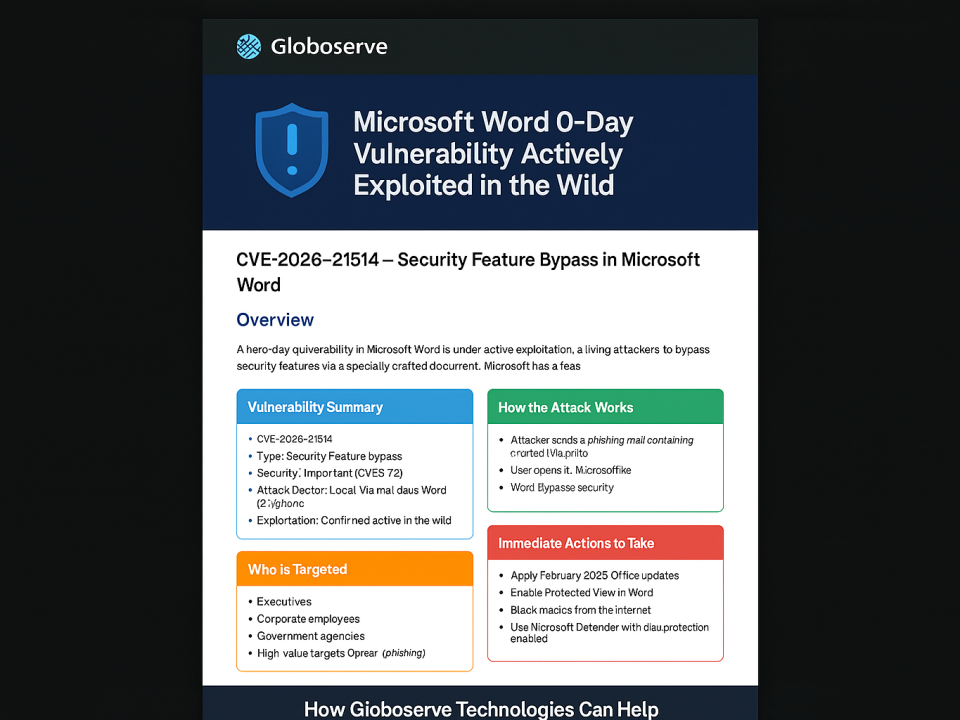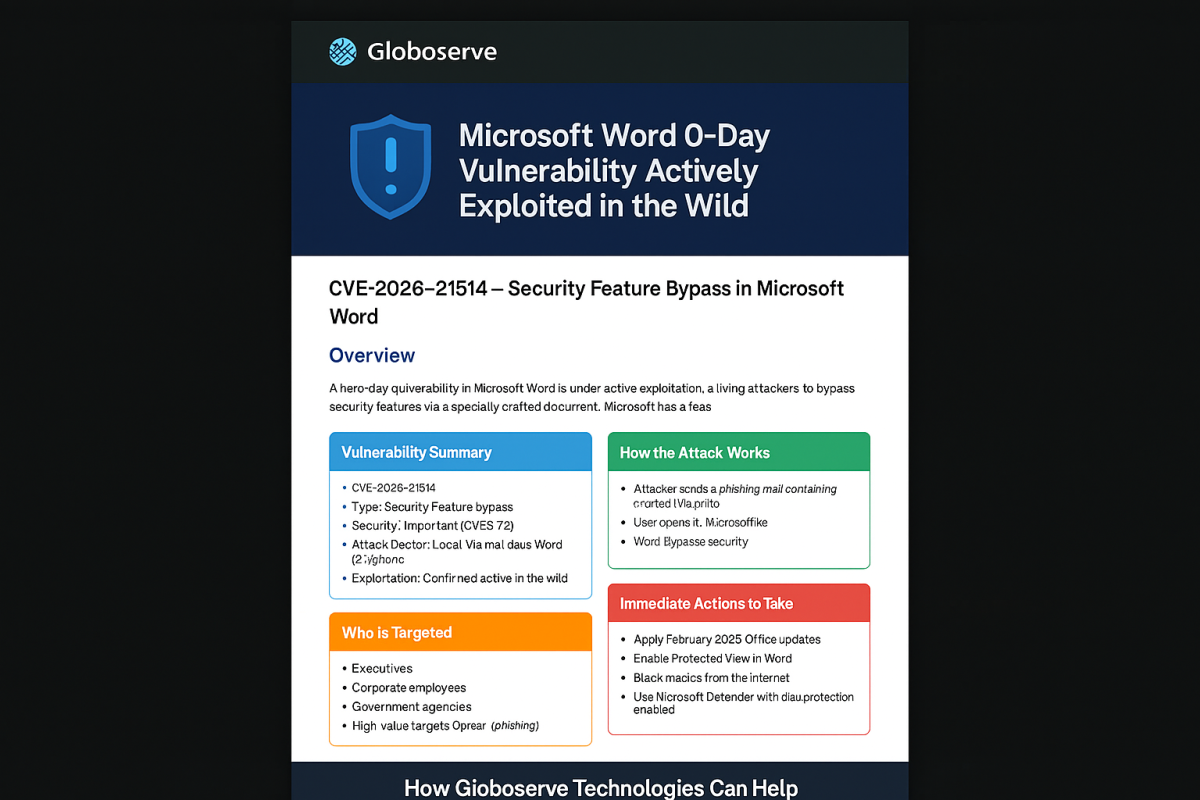

New AirSnitch Attack Bypasses Wi‑Fi Encryption in Homes, Offices & Enterprises
February 27, 2026
What Is an App Password? Why It’s Needed & How to Set It Up (With Moneysoft Example)
A complete Azure AD, Microsoft 365, and Moneysoft SMTP guide. Learn what an App Password is, when you need it, how to create it, and how to configure Moneysoft Payroll Manager to send payslips securely.
🔐 What Is an App Password?
An App Password is a unique 16‑character password generated by Microsoft 365.
It is required when an application does not support Multi‑Factor Authentication (MFA).
Apps like Moneysoft Payroll Manager
Needed when MFA is enabled but the app does NOT support modern authentication.
Examples: Moneysoft, old scanners, SMTP devices, IMAP/POP3 clients.
Before the user can use an App Password, the Microsoft 365 admin must ensure the following:
Go to: Microsoft 365 Admin Center → Users → Active Users → Select User → Mail → Manage email apps
App Passwords only exist if MFA is enabled.
If MFA is OFF → You don’t need an app password (but security is weaker).
The user must visit:
https://account.microsoft.com/security
→ Advanced Security Options
→ Create App Password
This generates a 16‑character password used in Moneysoft SMTP settings. Here’s how to use the App Password inside Moneysoft Payroll Manager to send payslips via email. Click Test Settings to confirm email delivery works.
Setting up secure authentication for legacy applications can be confusing,
especially when combining MFA, SMTP, and Azure AD policies.
Globoserve Technologies helps you by:
No — it is a separate special password created only for apps that do not support MFA. Yes, you can create multiple and revoke them individually if needed. No — it only exists when MFA is enabled. Because Moneysoft uses SMTP, which does not support modern MFA login screens. Eventually Microsoft may remove support, but SMTP authentication is still widely used today.Where Do We Need It?
Advantages
Disadvantages
🛠 Azure / Microsoft 365 Admin Configuration (Server Side)
Step 1 — Enable SMTP AUTH for the User
Enable “Authenticated SMTP”.
Step 2 — Ensure MFA Is Enabled
Step 3 — Create the App Password
💼 Moneysoft Example – User‑Side Configuration
Moneysoft Email Settings
💡 How Globoserve Technologies Can Help
❓ Frequently Asked Questions (FAQ)
1. Is an App Password the same as my Microsoft login password?
2. Can I create multiple App Passwords?
3. Do I need an App Password if MFA is disabled?
4. Why does Moneysoft need an App Password?
5. Will App Passwords be retired?